
WenXuan MD Editor is a free Windows desktop Markdown editor. It supports rendering of math formulas (LaTeX), code highlighting, tables, images, and more, and can export to Word, PDF, HTML, and MediaWiki formats with one click. Formulas exported to Word remain directly editable, exported code appears as color syntax-highlighted code blocks, and exported tables keep the same format as the AI model’s output. The software was originally written for personal use; later many colleagues liked it, so it was shared with everyone.
1. Installation
Download from this site:
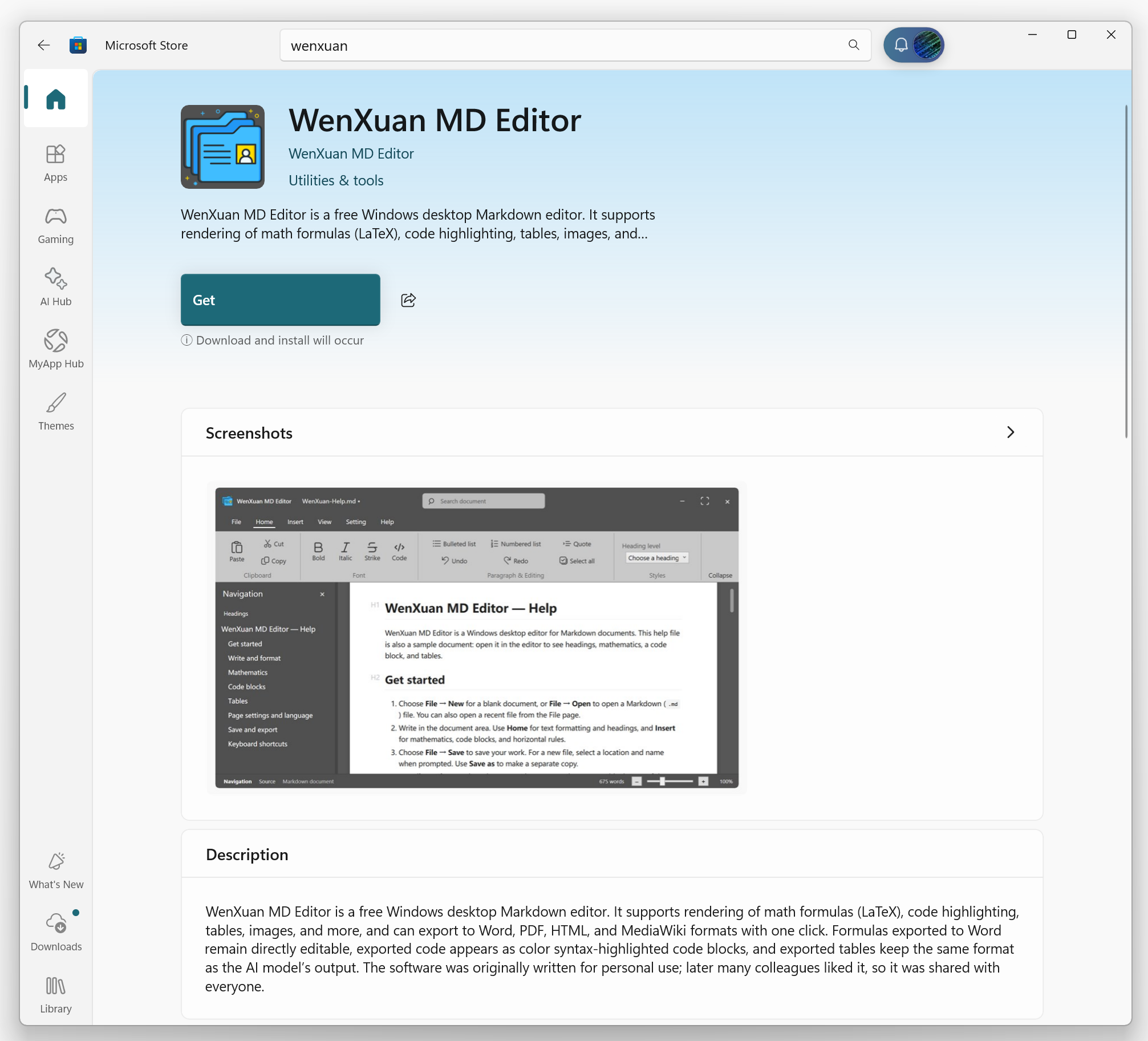
From official Microsoft Store
Search ” Wenxuan MD Editor ” , press Get.
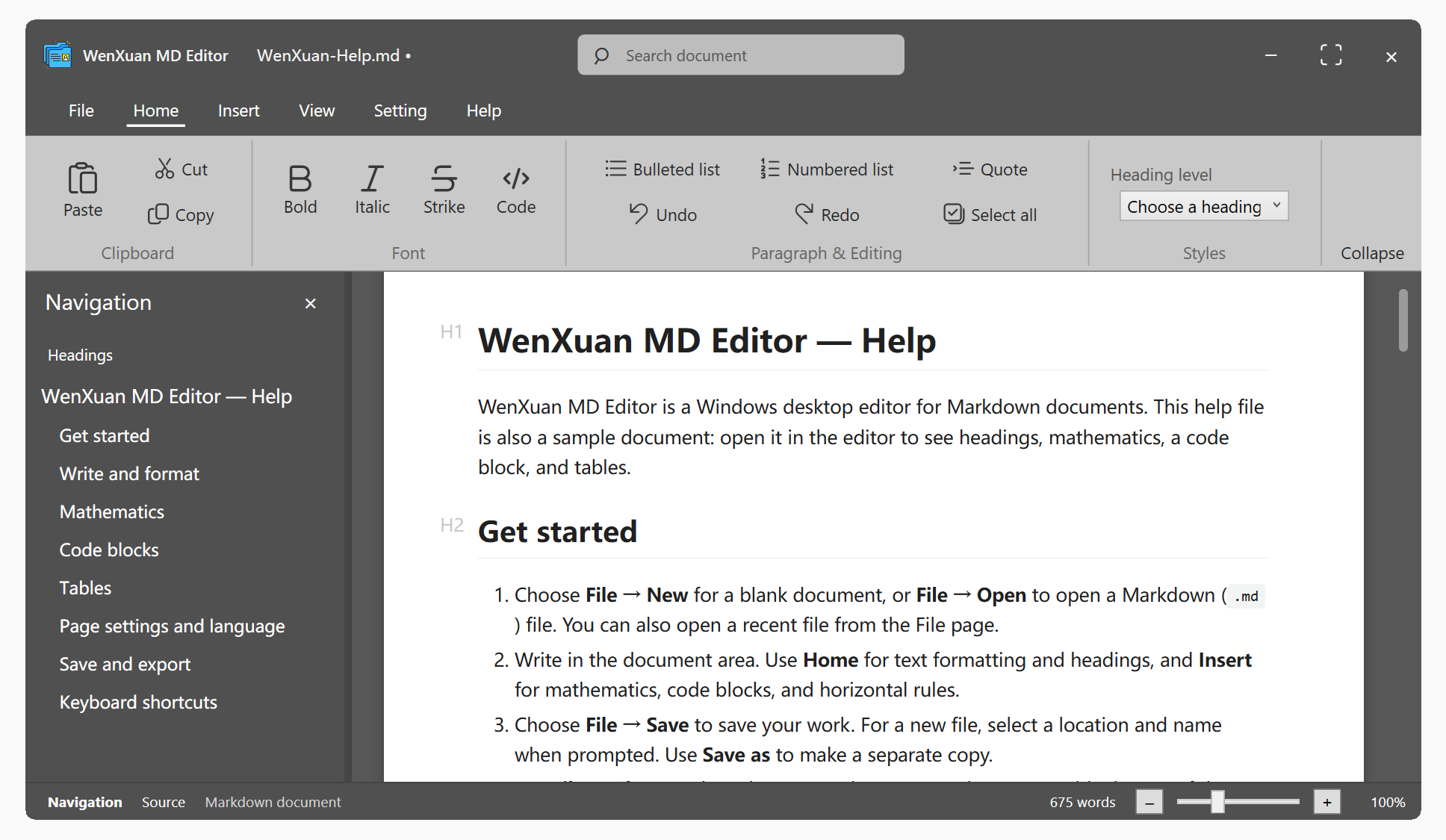
Software interface as following.
2. Quick Start
- Offline‑ready software: No internet dependency. All processing runs locally.
- WYSIWYG: Content generated by large‑language models including Deepseek, Doubao, Kimi, ChatGPT, Claude, Gemini, Grok, GLM and Mimo can be directly pasted into WenXuan Assistant for instant formatted rendering.
- Mathematical formulas: Standard LaTeX syntax is supported. Formulas remain editable after export to Word.
- Flowcharts: Mermaid‑based flowcharts, sequence diagrams, block diagrams and Gantt charts generated by LLMs render directly. When exported to Word, they become Visio objects which you can double‑click to edit inside Visio.
- Code blocks: Code blocks from large‑language models are exported to Word as syntax‑highlighted compiler‑style blocks for clean, good‑looking output.
- Tables: Tables output by LLMs preserve their original formatting upon Word export.
- Page adjustment: Quick controls for page width and font size.
- Outline navigation: Go to menu “View → Outline”. Click outline entries to jump to corresponding sections.
- Source‑code mode: Press Ctrl+/ to toggle raw Markdown source‑code editing; press again to return to rendered view.
- Dark theme: Go to menu “View → Theme”. Multiple themes are available; your selection is remembered automatically.
3. Document Export
Select your target export format from the File menu:
| Export Format | Description |
|---|---|
| Word (.docx) | Formulas, diagrams and code are converted into editable objects. Suitable for papers and reports. |
| Produces WYSIWYG layout‑rendered output. | |
| HTML | Standalone HTML file plus an asset folder, ready for direct publication. |
| MediaWiki | Wiki markup text that can be pasted directly into MediaWiki sites. |
4. Frequently‑used Shortcuts
| Shortcut | Function |
|---|---|
| Ctrl + N / Ctrl + O / Ctrl + S | New / Open / Save |
| Ctrl + Shift + S | Save As |
| Ctrl + B / Ctrl + I | Bold / Italic |
| Ctrl + Z / Ctrl + Y | Undo / Redo |
| Ctrl + / | Toggle Source‑code Mode |
| Ctrl + F / Ctrl + H | Find / Replace |
| Ctrl + P | |
| Ctrl + B / Ctrl + I | Bold / Italic |
| Ctrl + A | Select All |
| Ctrl + T | Insert Timestamp |
| Ctrl + W / Ctrl + F4 | Close Window / Close Application |